(1)Mol Points---E-wallet
1) Before you top up with MOL--E-wallet, please make sure the account balance is enough.
a: If the balance is not enough, head over to MOL website via https://www.mol.com/ to top up.
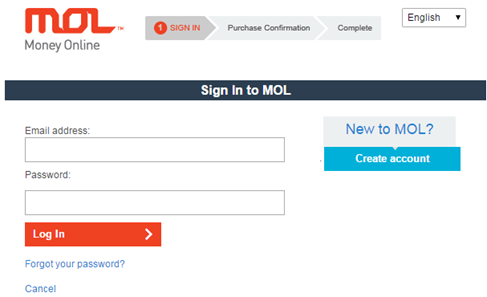
b: Select your country/region at the top-right corner and then login.
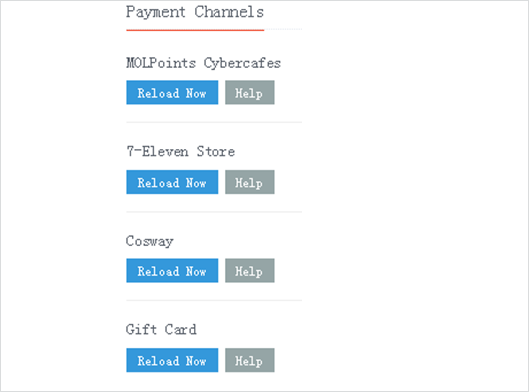
c: The optional ways to top up are on the left of the web page.
2) After making sure the balance is enough, choose the item to purchase and then log in to your MOL account.
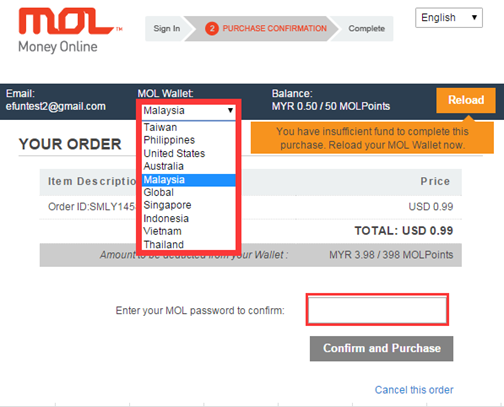
3) Select the country/region after you login, and re-type the password to confirm your payment.
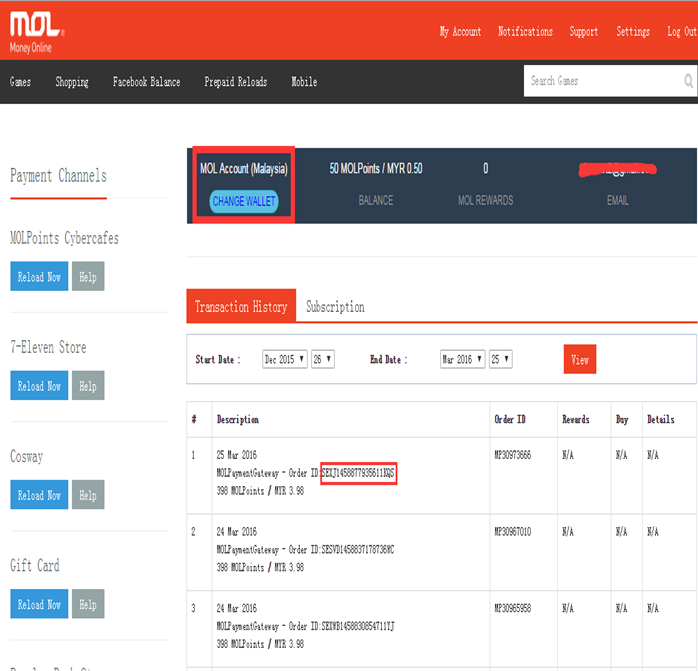
4) Log in to your MOL account to check the order ID and provide it for us in case you do not receive the game credit.
(2)MolPoints Card
1) Buy MOLPoints Card in the following ways before you top up via MOLPoints Card.
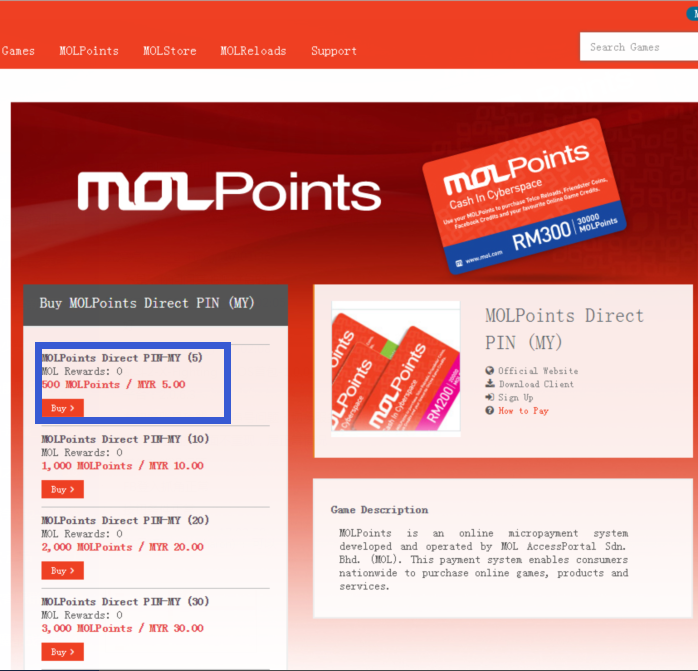
a: Visit MOL website https://www.mol.com/ and login to your MOL account, search for "MOLPoints Direct PIN" at the top-right corner, and then choose the available denomination. The Serial number and Pin number will be recorded in Transaction History if you purchase it successfully.
b: MOLPoints Card is also available at selected bookstores, game card shops online, 7-Eleven outlets, etc.
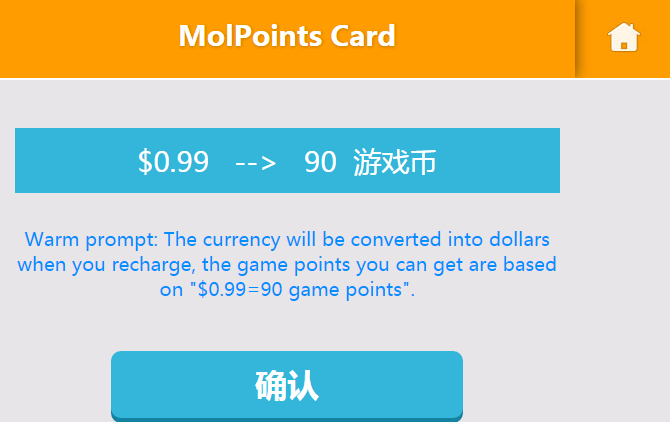
2) Please enter the Serial number and Pin number on our website after buying the card. The denomination of the card will be converted into US Dollar at certain exchange rate, and the game credit you receive is determined by the exchange rate between US Dollar and the game credit.
3) Please provide the Serial number and Pin number in case you do not receive the game credit.